5 Zapier Alternatives That Are Genuinely Cheaper at Scale
Zapier's task pricing compounds fast. Five alternatives including self-hosted n8n, with the exact break-even point where switching pays for itself.
Zapier's pricing looks reasonable on the homepage. It stops looking reasonable the moment a workflow actually starts running at volume. Zapier bills per task — every single action step in a Zap counts separately — so an 8-step workflow running 10,000 times a month isn't 10,000 billable events. It's closer to 80,000.
That billing model is the single biggest reason automation costs spiral for growing businesses. The fix isn't "use fewer Zaps." It's switching to a tool whose pricing model doesn't punish you for having a workflow with more than two steps. Here are five alternatives that are genuinely cheaper once volume climbs — and the exact point where switching stops being a hassle and starts being a no-brainer.
Why Zapier Gets Expensive Fast
The core issue is the billing unit, not the price per unit:
Zapier bills per task — every action step in every run counts as a separate billable task.
Make bills per operation — similar structure to Zapier, but each operation is generally cheaper and scenarios can be built more efficiently to use fewer operations per run.
n8n bills per workflow execution — regardless of how many steps are inside that workflow. An 8-step workflow and a 2-step workflow cost the same per run.
That distinction compounds hard at volume. A workflow with 8 steps running 10,000 times a month:
PlatformBilling UnitApprox. Monthly Cost at 10,000 Runs (8 steps)ZapierPer task$250-400+MakePer operation$150-200n8n CloudPer execution~$50n8n Self-HostedInfrastructure only$20-40
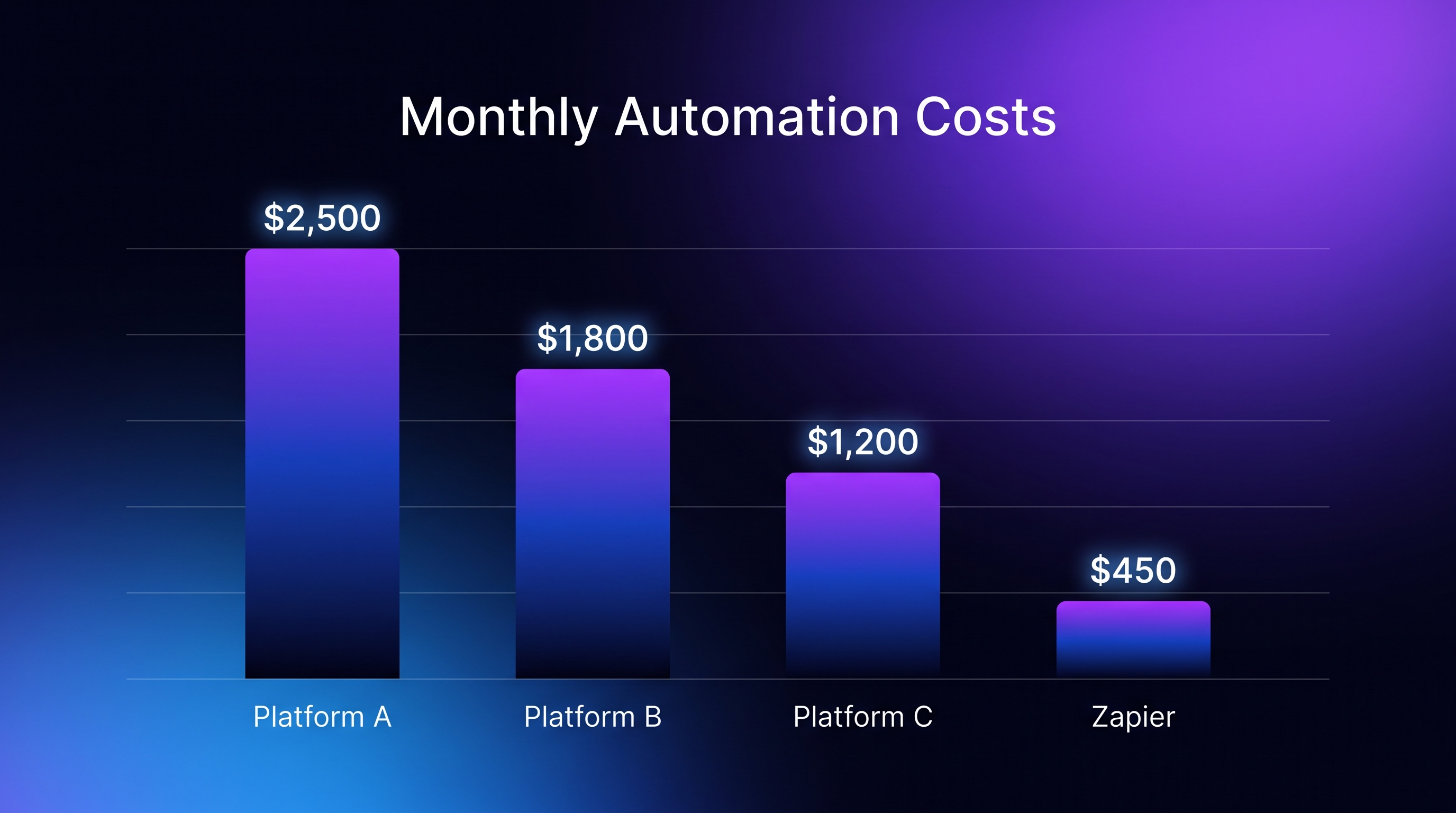
At 100,000 runs a month, the gap between Zapier and self-hosted n8n can exceed $8,000 a year. That's not a marginal difference — it's the kind of gap that changes whether automation is a line item or a liability for a growing business.
The 5 Alternatives
1. n8n — Best for Workflow-Based Pricing (and the Biggest Savings at Scale)
Billing model: Per workflow execution, not per step — the structural fix to Zapier's core pricing problem. Cloud pricing: Starts affordably and scales predictably since adding steps to an existing workflow doesn't add cost. Self-hosted option: Open-source and free to self-host, with only infrastructure (a small VPS) as the real cost — this is where the largest savings appear at real volume. The trade-off: Self-hosting means you're responsible for uptime, updates, and security — not a true "set and forget" SaaS experience. n8n Cloud removes that trade-off at a modest premium over self-hosting, still far below Zapier. Best for: Any workflow with more than 3-4 steps, which is most real-world automation — the step-count penalty that hurts on Zapier and Make simply doesn't exist here.
2. Make (formerly Integromat) — Best Visual Builder, Still Cheaper Than Zapier
Billing model: Per operation, similar structure to Zapier but typically cheaper per unit and more flexible scenario design. What it gets right: A genuinely strong visual workflow builder — often considered more intuitive for complex branching logic than Zapier's linear Zap structure. The trade-off: Still an operation-based model, so a workflow with many steps still compounds cost — just less aggressively than Zapier's per-task pricing.
Best for: Teams who want to keep the visual, no-code building experience close to what Zapier offers, but need meaningfully lower cost at the same complexity level.
3. Pabbly Connect — Best for Flat-Rate, Predictable Billing
Billing model: Flat annual pricing with a task allowance, rather than ongoing per-task or per-operation charges that scale with every added step. What it gets right: Predictability — a known annual cost rather than a bill that can swing based on how workflows are structured that month. The trade-off: Smaller app/integration library than Zapier or Make, so less exotic integrations may not be natively supported. Best for: Small businesses and solo operators who want to lock in a known cost and avoid the anxiety of a usage-based bill creeping upward as the business grows.
4. Activepieces — Best Open-Source, No-Code Hybrid
Billing model: Open-source with a generous free self-hosted tier; cloud plans are priced competitively below Zapier. What it gets right: A newer, actively developed open-source automation platform that's positioned itself as a more approachable alternative to n8n for teams that want low-code rather than workflow-engine complexity. The trade-off: Smaller community and integration ecosystem than n8n, since it's a younger project — some advanced or niche integrations may require custom work. Best for: Teams that want the cost benefits of open-source/self-hosting but prefer a simpler, more Zapier-like building experience than n8n's node-based workflow canvas.
5. Tray.io — Best for Complex Enterprise Workflows at Negotiated Pricing
Billing model: Custom/enterprise pricing, typically negotiated rather than published per-task rates. What it gets right: Built for complex, high-volume enterprise automation with strong API and embedded-automation capabilities that go beyond what Zapier or Make are designed for. The trade-off: Not a self-serve, bottom-up pricing model — this isn't the tool for a solo operator or small team comparing sticker prices. Best for: Larger organizations with complex, high-volume automation needs where negotiated enterprise pricing and dedicated support outweigh the simplicity of a published pricing page.
The Break-Even Point: When Switching Actually Pays Off
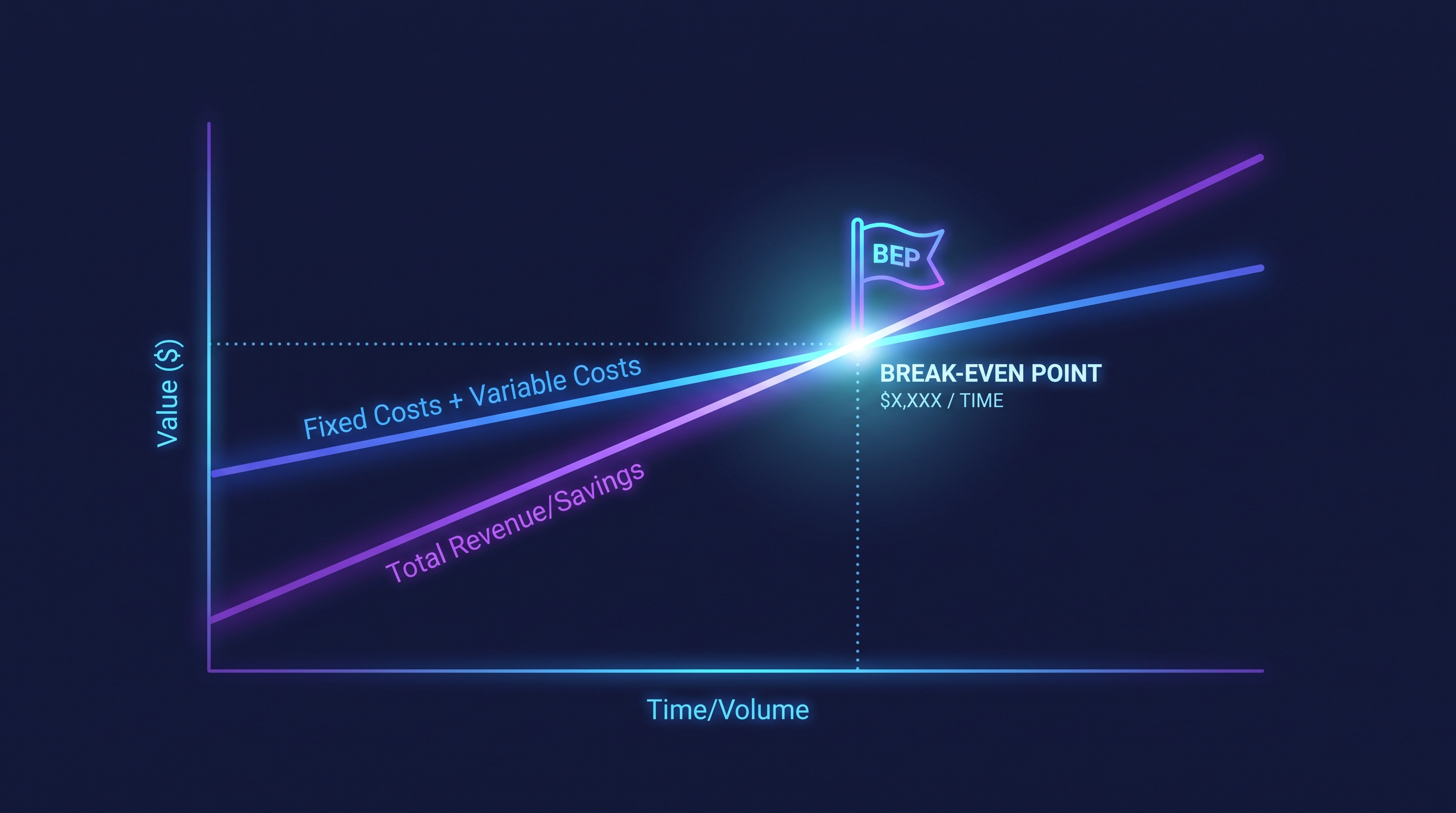
The honest answer is that switching isn't worth the migration effort at every volume level. Here's the real threshold:
Under 1,000 tasks/month, simple workflows (1-3 steps): Zapier's cost is often low enough that switching isn't worth the setup time. Stay put.
1,000-5,000 tasks/month, or workflows with 4+ steps: This is where Make or Pabbly Connect typically start showing meaningful savings without requiring the steeper learning curve of n8n's node-based builder.
5,000-10,000+ runs/month on multi-step workflows: This is the clear break-even zone for n8n. The savings from execution-based billing (versus per-task or per-operation billing) become large enough to justify the migration effort and the modest learning curve.
100,000+ runs/month: Self-hosted n8n's advantage becomes dramatic — this is where the $8,000+/year gap against Zapier shows up, and self-hosting infrastructure cost becomes almost irrelevant next to the savings.
The practical rule: count your steps per workflow, not just your total task volume. A business running 2,000 tasks a month through simple 2-step Zaps may have no urgent reason to switch. A business running the same 2,000 "tasks" worth of actual automation through 8-step workflows is paying 4x what the task count suggests — and that's exactly the profile where n8n's execution-based pricing pays for the switch within the first month or two.
Side-by-Side Summary
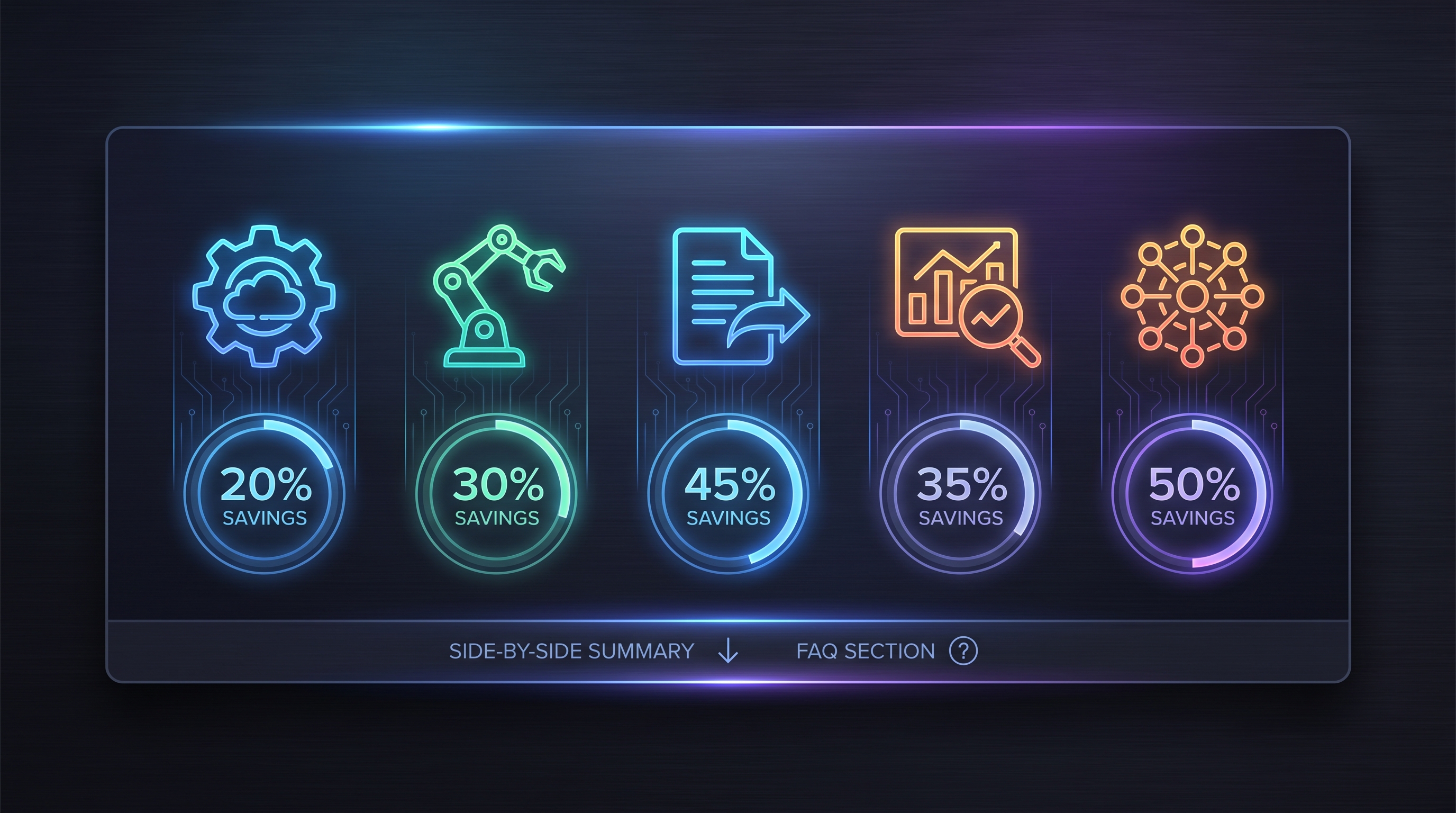
ToolBilling ModelBest ForSavings vs. Zapier at Scalen8nPer executionMulti-step workflows, highest savingsLargest — up to 80%+ at high volumeMakePer operationVisual builder fans wanting lower costModeratePabbly ConnectFlat annualPredictable, locked-in budgetingModerate-highActivepiecesOpen-source/cloud hybridSimpler open-source alternative to n8nHigh (if self-hosted)Tray.ioCustom/enterpriseComplex enterprise automationVaries (negotiated)
Frequently Asked Questions
What's the single cheapest Zapier alternative at high volume? Self-hosted n8n, by a wide margin — once monthly executions climb into the tens of thousands, the execution-based billing model (versus Zapier's per-task model) creates the largest gap on this list.
Is switching to n8n worth it for a small, simple automation setup? Usually not. If your workflows are short (1-3 steps) and run infrequently, Zapier's cost may already be low enough that the migration effort outweighs the savings.
Does Make actually save money compared to Zapier, or is it the same model? Make uses a similar per-operation billing structure to Zapier's per-task model, but operations are typically cheaper per unit, and Make's scenario design often allows for more efficient workflows — so it does save money, just less dramatically than switching to n8n.
What's the catch with self-hosting n8n? You take on responsibility for uptime, security updates, and server management yourself — it's not a fully managed SaaS experience, though n8n Cloud offers a managed middle ground at a modest premium.
How do I know if my workflows are expensive on Zapier? Count the action steps in your most frequently-run Zaps and multiply by monthly run volume — that's your real monthly task count, which is often far higher than the "number of Zaps" figure suggests.
The Bottom Line
Zapier's per-task pricing model is the actual problem, not Zapier's feature set — it's a well-built tool that simply charges in a way that punishes exactly the multi-step, high-volume automation that growing businesses need most. For anyone running workflows with more than a handful of steps at real volume, n8n's execution-based pricing is the clearest, largest cost saving on this list, with self-hosting pushing that advantage further for teams willing to manage their own infrastructure. Read our full n8n review for a deeper breakdown of setup, learning curve, and cloud vs. self-hosted trade-offs before making the switch.
Founder & Editor, Axionova
Ashir writes independent, hands-on reviews of AI tools and shares strategies for creators, marketers, and entrepreneurs. Every review is grounded in real usage — no paid placements, no fluff. Read our editorial standards.
AI Insights Weekly
One curated email a week: sharp AI insights, tool reviews, and strategies.
Have thoughts on this?
Contact us or share this article on social media — we'd love to hear what resonated with you.