Descript Alternatives: 6 Editors for People Who Hate Credit-Based Pricing
Credit systems make monthly costs unpredictable. Six Descript alternatives with flat or unlimited pricing, tested on the same editing workflow.
Descript's text-based editing is still one of the best ideas in modern video and podcast production. Edit the transcript, and the audio and video follow. The part people complain about is the bill.
Since Descript moved to a two-meter model, monthly cost depends on two things you have to watch at once: media minutes (any audio or video you bring into the editor) and AI credits (consumed by Underlord, Overdub, Studio Sound and other AI features). Reviewers and G2/Capterra users describe the same pattern: a workflow that cost one amount last quarter costs more this quarter, and a busy month can push a $30 bill much higher. We covered the mechanics in our full Descript review. This post is the follow-up: what to use if you'd rather know your bill before you start editing.
One thing up front, because most "Descript alternatives" lists skip it: a lot of the popular replacements have credits too. VEED, Kapwing and CapCut all meter their AI features. Switching to one of them swaps one credit system for another. So this list is filtered differently. Every tool below either has no usage meter at all, or keeps the core editing flat and meters only a narrow set of extras. We say which is which.
Why Credit Pricing Hurts Editors Specifically
Editing is iterative. You don't run a clip once. You cut, re-run silence removal, regenerate a fix, and re-export. Per-action metering charges you for the mess, not just the result.
Failed AI actions can still cost credits. Several reviews report that an Underlord task that doesn't produce a usable result may still draw from the pool.
Two meters are harder to budget than one. Media minutes and AI credits run out independently, and top-ups expire (reported at 12 months).
Seats don't flatten it. Extra seats are billed at the full per-seat rate, so a two-person team doubles the exposure.
Descript's plans, as reported across 2026 pricing breakdowns, run roughly: Hobbyist $16/month billed annually ($24 monthly), Creator $24 annual ($35 monthly), Business $50 annual ($65 monthly) per user. Figures vary by source, so check the official Descript pricing page before you decide anything.
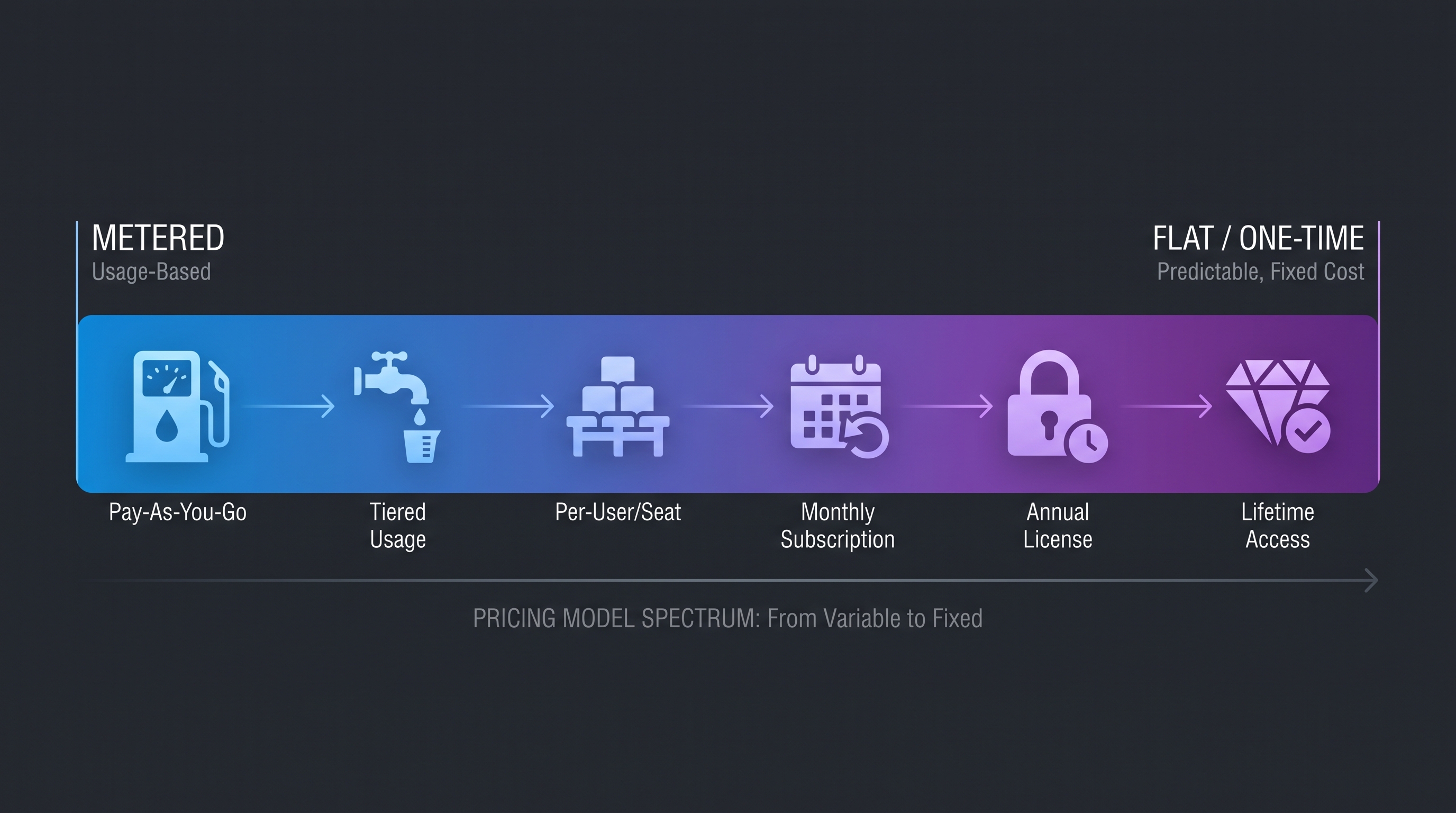
The 6 Alternatives, Sorted by How Flat the Pricing Really Is
1. Adobe Premiere — Flat Subscription With Text-Based Editing
Pricing: Single-app subscription from about $22.99/month. No credit meter on core editing. What it gets right: Text-Based Editing builds and trims sequences from a transcript, which is the Descript feature most people actually switch for, inside an industry-standard editor. Where the catch hides: It's a subscription forever, and AI-assisted features inside Adobe's wider ecosystem can carry their own generative-credit rules. Check which features you use. Heavy effects-driven 4K timelines can also lag on modest hardware. Best for: Editors who want transcript editing plus a professional finishing suite and are fine with a predictable monthly fee. See the Premiere Pro product page for current plans.
2. DaVinci Resolve — Free, or $295 Once
Pricing: The free version has no credits, caps or watermarks. Studio is a one-time purchase of about $295. What it gets right: Professional editing, color and audio in one app, with nothing to meter. The newer script-driven and silence-removal tools cover some of the same ground as Descript's cleanup features. Where the catch hides: It isn't a transcript editor the way Descript is, and the learning curve is the steepest on this list. It's overkill for quick talking-head cuts. Best for: Creators who'd rather invest learning time once than pay monthly forever. Details on the DaVinci Resolve page.
3. PandaStudio — Transcript Editing With a Buy-Once Option
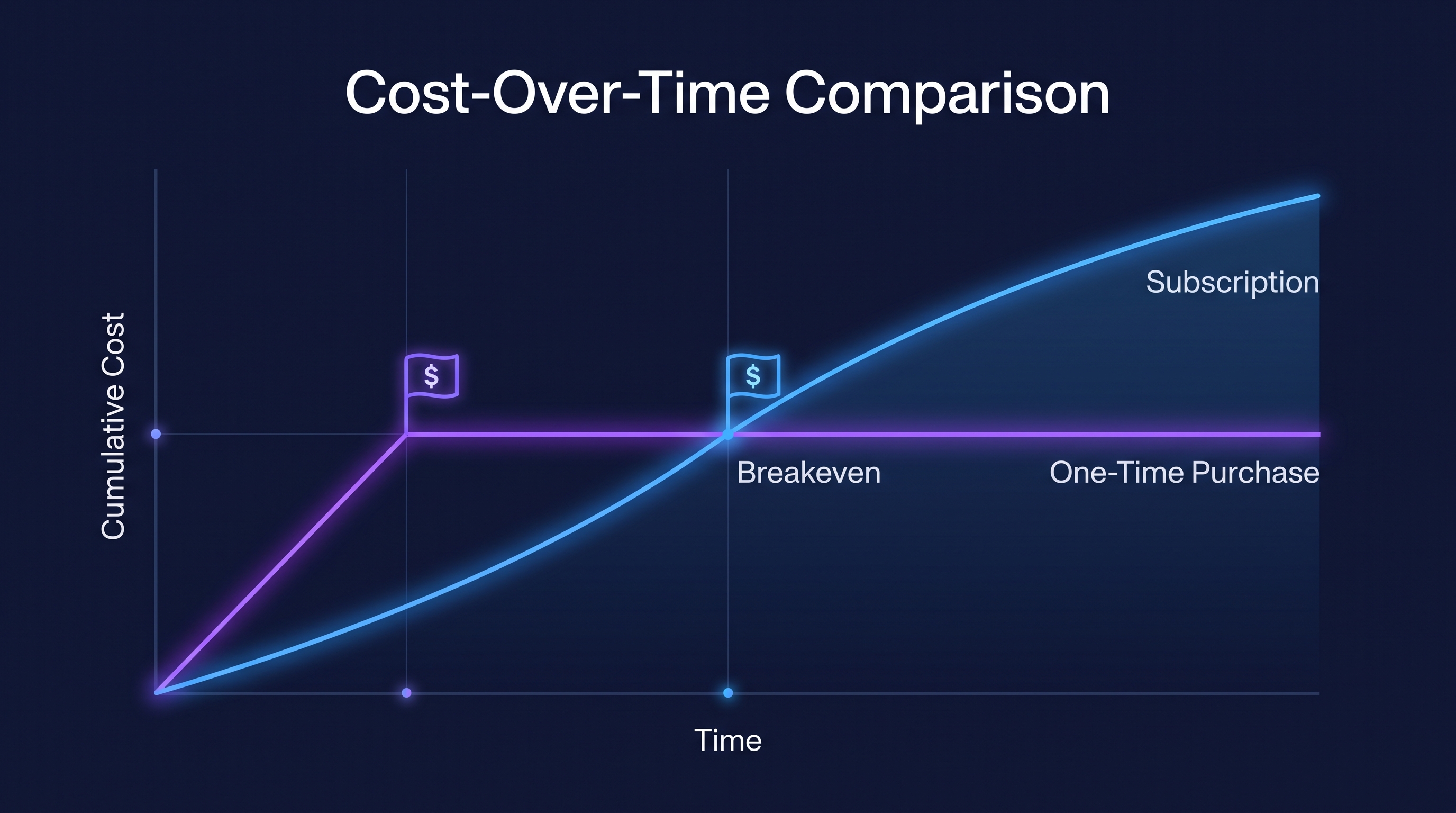
Pricing: A limited free export allowance, then a monthly plan or a one-time license from about $99. What it gets right: It is one of the few tools offering Descript-style transcript editing with a local-first, pay-once model. For the "I hate subscriptions" reader, that's the closest like-for-like match here. Where the catch hides: It's a newer desktop app with a smaller template library and no browser-only mode. Most of what we found on it comes from comparison sites rather than long-term user reviews, so test the free exports against a real project before buying. Best for: Solo creators who want transcript-based editing without a recurring bill.
4. Riverside — Mostly Flat, With a Small Credit Pool
Pricing: Free plan; paid plans reported from about $19/month annual, with Pro around $24/month. See Riverside's pricing page. What it gets right: Local multi-track recording per participant plus a transcript editor with text cuts and filler-word removal, all on a flat subscription. Where the catch hides: A few AI extras (translation, AI B-roll, animated clips) draw from a limited credit allowance on Pro, and separate-track downloads are capped monthly. Core recording and editing stay flat. Best for: Podcasters and interview-based creators whose real need is recording quality and clean transcript cuts, not heavy generative AI.
5. Podcastle — Flat Core, Credit-Based AI Extras
Pricing: Free plan; paid reported from about $11.99/month annual. See Podcastle. What it gets right: Recording, transcript-style audio editing and publishing in one place at a low entry price. Where the catch hides: AI generation features are credit-based, and reviewers report sync jumps and occasional crashes on long episodes. If you never touch the AI generation tools, the credit system mostly stays out of your way. Best for: Audio-first podcasters on a tight budget who want one tool from record to publish.
6. Audacity — Free, Offline, Zero Meters
Pricing: Free and open source. No plans, no credits, no accounts. What it gets right: Fine manual control over multi-track audio, entirely offline, with nothing metered. Where the catch hides: Audio only, no transcript editing, and a dense interface. In one comparison test, long cuts took roughly twice as long as in a transcript editor. Best for: Audio editors who value zero cost and full control over speed. Get it from the Audacity project site.
The Credit-Free Scorecard

ToolPricing modelCredits on core editing?Transcript editing?Fits you ifAdobe PremiereFlat subscription (~$22.99/mo)NoYesYou want a pro suite and a predictable feeDaVinci ResolveFree / $295 one-timeNoPartial (script and silence tools)You'll invest time to avoid paying monthlyPandaStudioMonthly or ~$99 one-timeNoYesYou want Descript-style editing, pay onceRiversideFlat subscription (~$19-24/mo)No (small AI pool on Pro)YesYou record remote interviewsPodcastleFlat subscription (~$11.99/mo)No (AI generation is credit-based)PartialYou're audio-first on a budgetAudacityFreeNoNoYou want free, offline audio control
Deliberately left off: VEED, Kapwing and CapCut are popular Descript alternatives, but their AI features run on credit or point pools (Kapwing's freeze when the pool runs out; VEED's expire at renewal; CapCut Pro includes a fixed AI-points allowance). They're fine tools. They just don't solve the problem this post is about.
How to Choose
Want the Descript workflow without the meter: PandaStudio, or Premiere if you want a mainstream suite.
Want to pay once and never think about it again: DaVinci Resolve Studio or PandaStudio's lifetime license.
Record remote guests: Riverside.
Audio only, tight budget: Podcastle, or Audacity if you don't mind a manual workflow.
A Fair Word for Descript
Credit pricing isn't automatically a bad deal. If you edit lightly, stay inside the free or Hobbyist limits, and mainly use transcript editing, Descript can still be the fastest way to cut a podcast or talking-head video. The problem shows up for heavy or unpredictable usage: lots of imported media, frequent AI regeneration, or multiple seats. Run your real workload through the free plan and watch the usage dashboard for a month before choosing either way.
Frequently Asked Questions
Is there a Descript alternative with no credits at all? Yes. DaVinci Resolve (free or $295 once), Audacity (free), and Adobe Premiere's flat subscription have no meter on core editing. PandaStudio offers a one-time license.
Which alternative has transcript-based editing like Descript? Adobe Premiere (Text-Based Editing), Riverside's transcript editor, and PandaStudio. DaVinci Resolve and Podcastle offer partial equivalents.
Are VEED, Kapwing and CapCut credit-free? No. Each meters at least some AI features through credits or points, so they aren't a way out of credit pricing.
What does Descript actually cost per month? Reported 2026 figures run about $16-$24/month for entry and mid tiers when billed annually, and $50/user for Business, but they vary by source and the real cost depends on media minutes and AI credit use. Always check Descript's own pricing page.
Can I move my Descript projects to another editor? You can export media and transcripts, but project structure doesn't carry over cleanly, so plan for a manual rebuild on active projects.
The Bottom Line
If your issue with Descript is the unpredictable bill rather than the editing idea, you have real options, but not as many as most lists suggest. For Descript-style transcript editing with a predictable cost, look at Premiere or PandaStudio first. For a one-time cost, DaVinci Resolve Studio. For recording-centered podcasting, Riverside. And read our full Descript review if you decide to stay and want to keep the credit system under control.
Founder & Editor, Axionova
Ashir writes independent, hands-on reviews of AI tools and shares strategies for creators, marketers, and entrepreneurs. Every review is grounded in real usage — no paid placements, no fluff. Read our editorial standards.
AI Insights Weekly
One curated email a week: sharp AI insights, tool reviews, and strategies.
Have thoughts on this?
Contact us or share this article on social media — we'd love to hear what resonated with you.