Descript vs Opus Clip: Which AI Editor Actually Gets You More Short-Form Views?
A tested comparison of Descript and Opus Clip on the same 45-minute podcast episode — automated viral clip detection versus manual transcript-based editing, real pricing traps on both sides, caption quality, and the honest verdict on which tool (or which combination of both) actually fits your specific content workflow.

I took one 45-minute podcast episode — two hosts, a handful of tangents, a few genuinely quotable moments buried in the middle third — and ran it through both tools the way a real creator actually would. Opus Clip got the raw file first: paste it in, let the AI find the viral moments, export whatever it flagged. Then I took the same episode into Descript, cut it down manually using the transcript-editing workflow, and pulled my own clips based on what I, as someone who'd actually listened to the conversation, thought would land.
The honest answer to "which one wins" is the answer almost nobody wants to hear before they've wasted a subscription cost finding it out themselves: they're not actually competing for the same job. Opus Clip is a clipping machine. Descript is a full editing suite that happens to also clip. Comparing them head-to-head only makes sense once you're specific about which part of the workflow you're trying to fix — finding the viral moment, or producing the finished, polished video around it.
That distinction is exactly what most existing comparisons of these two tools get wrong. They line up feature checklists side by side as if Opus Clip and Descript are interchangeable, declare a winner based on price or caption styling, and move on. Having actually run the same source material through both, the real differences show up in three places: how good the AI actually is at finding the clip-worthy moment without you watching the whole video yourself, what a realistic monthly workflow costs once you account for how fast credits and minutes actually burn, and what happens to the "winning" clip after it's been selected — because selection and finishing are two completely different jobs, and only one of these tools does both.
What These Tools Are Actually Built To Do
Opus Clip's pitch has stayed consistent since it made "AI repurposing" a mainstream category: you feed it one long video — a podcast, a YouTube upload, a webinar recording — and it finds the fifteen to twenty moments most likely to work as standalone short-form content, cuts them into vertical clips, reframes the speaker to stay centered in frame, adds animated captions, and assigns each clip a Virality Score from 0 to 100 so you know which ones to post first. Average turnaround on a one-hour video: about four minutes.
Descript is a different animal entirely. It's a full video and podcast editor where you edit footage by editing the transcript — delete a sentence in the text, and the corresponding video and audio disappear from the timeline automatically. Its AI layer, Underlord, generates rough cuts from raw footage, removes filler words, suggests edits, and — as of 2026 — runs a genuinely convincing eye-contact correction that fools most viewers into thinking a screen-reading presenter was looking straight at the camera the whole time. Clipping is one feature bolted onto a much larger editing suite, not the core product.
Put simply: if your bottleneck is "I have four hours of raw footage and no idea which three minutes of it are actually worth posting," Opus Clip solves that specific problem faster than any tool I've used. If your bottleneck is "I need to actually cut, tighten, caption, and polish a full episode or a finished clip," Descript is doing a fundamentally different and larger job that Opus Clip was never built to do.
Round 1: Finding the Viral Moment — Opus Clip Wins, With a Real Caveat
This is the round Opus Clip should win, and it does — but not as cleanly as its marketing implies.
Running my podcast episode through Opus Clip's current model (ClipAnything 2.0, which now accepts natural-language search prompts like "find every time I mention pricing" alongside its automatic virality scoring) surfaced several genuinely strong moments I would have found manually anyway, plus two I'd honestly missed on my own first listen — a sharp, quotable one-liner buried about thirty minutes in that never would have made my shortlist without the AI flagging it.
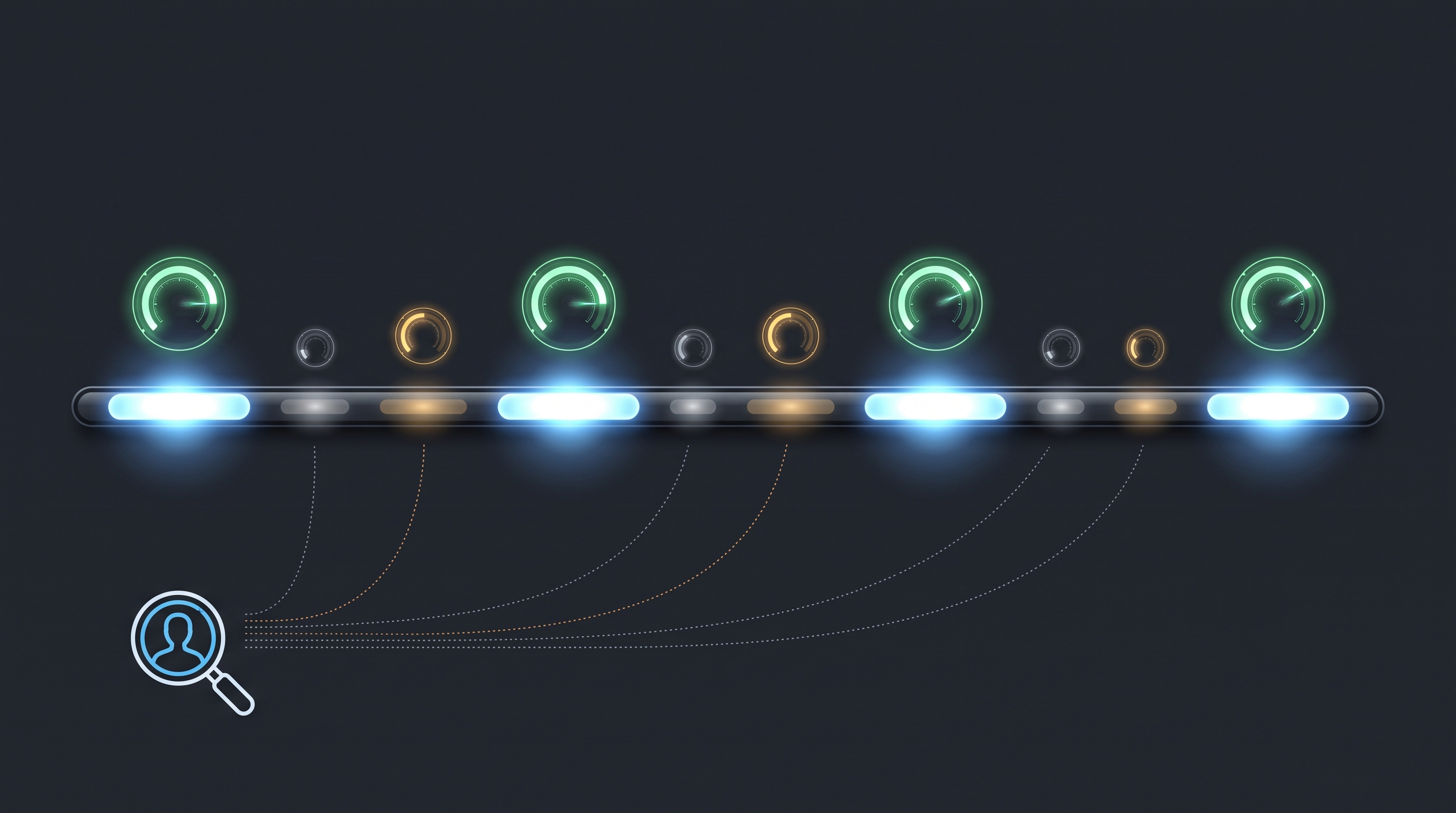
But the scoring itself is a black box, and testing it at volume exposes exactly how much you should trust the number. Across independent 2026 testing, clips scoring 85-plus were genuinely strong roughly 60 to 70% of the time — not a guarantee, but meaningfully better than chance. Clips scoring in the 60-to-85 range were closer to a coin flip. Below 60, almost nothing was worth using. The takeaway that matters practically: the score is a useful triage tool for deciding what to watch first, not a substitute for actually watching every flagged clip before you post it. Testing across 14 videos, clips scoring above 85 outperformed manually selected ones roughly seven times out of ten — good odds, not certainty.
Descript does not have an equivalent automatic virality-scoring engine, and this is where the comparison gets genuinely interesting rather than one-sided. Descript's strength in this round isn't competing on the same axis — it's that when you're editing by transcript, you're reading every word of the conversation as you cut, which means you're finding your own strong moments through actual comprehension of the content rather than delegating that judgment to a model. For a solo creator who already knows their own content intimately, that's not necessarily slower — it's just a different kind of intelligence being applied to the same problem.
Round 1 winner: Opus Clip, clearly, if your goal is processing volume — a large backlog of long-form content where watching everything yourself isn't realistic. Closer to a wash if you're already deeply familiar with your own source material and editing one episode at a time.
Round 2: Pricing — Where Both Tools Have a Trap, Just Different Ones
Neither platform's headline pricing tells you what a real month of usage actually costs, and the traps are different enough that they'll bite different creators in different ways.
Opus Clip's entry paid tier runs around $15 to $19 a month (annual billing), with a free tier offering roughly 60 to 90 minutes of processing per month, watermarked exports, and clips that expire after 3 days — a trial in name more than in practical use. The Pro plan's 150 to 200 minutes of monthly upload allowance sounds generous until you actually process podcast-length content: several independent 2026 testers flag that 300 minutes on the Pro tier "disappears in about five podcast episodes." Every re-upload counts against your minutes too, so re-processing a video after a failed run or a tweak burns allowance you don't get back. If you're a podcaster uploading several hours of content a month, you will burn through credits meaningfully faster than the pricing page implies.
Descript's entry paid tiers run from about $16 a month (Hobbyist, annual) to $24 to $33 a month (Creator/Pro, depending on billing cycle and which 2026 pricing snapshot you're checking — Descript has adjusted these figures more than once this year). The trap here isn't a minutes ceiling — it's the learning curve and the fact that you're paying for a much bigger tool than you might need if clipping is genuinely your only job. Multiple 2026 reviewers are blunt about this: if you don't record long-form interview or podcast content yourself, Descript's core value proposition — editing by transcript — is mostly invisible to you, and buying it purely to make 30-second clips is the wrong tool for the job at that price point.
The real financial comparison, once you account for both traps: a low-volume creator clipping the occasional single episode will find Opus Clip's entry tier cheaper and faster to get value from immediately. A creator producing four-plus hours of long-form content a month, who also needs to actually edit that content rather than just clip it, will hit Opus Clip's minute ceiling faster than they expect and end up paying for both tools anyway — at which point Descript's higher entry price starts looking like the better single investment, since it replaces the editing work Opus Clip was never doing in the first place.
Round 2 winner: No clean winner. Opus Clip is cheaper for low-volume, clip-only workflows. Descript is the better value once you need editing, not just selection, and once your volume is high enough that Opus Clip's minute ceiling becomes a real constraint rather than a hypothetical one.

Round 3: Captions, Polish, and What Happens After the Clip Is Selected
This is the round that actually decides the comparison, because it's where "which tool found the better clip" stops mattering and "which tool gives you a finished, post-ready video" takes over.
Opus Clip's animated captions are, out of the box, better suited to how short-form video actually performs on TikTok and Reels in 2026: keyword highlights, emoji placement, color-coded text, and the specific bouncy, punchy animation style that viral short-form content has trained audiences to expect. Caption accuracy sits around 97% for English with 20-plus language support. You genuinely can export a clip from Opus Clip and post it without touching another tool, and for a huge share of use cases, that's the entire point.
Descript's captions are accurate — arguably more accurate and more flexible for long-form use, and its transcription engine covers 25 languages with strong reliability — but the default styling is functional, not flashy. Getting that specific "viral short-form" animated look out of Descript takes meaningfully more manual styling work than Opus Clip's pre-built templates. If captions-out-of-the-box is your priority, Opus Clip wins this specific sub-point cleanly.
But captions are only half the finishing job, and this is where Descript's actual identity as a full editor shows its value. Once you have a clip — whether Opus Clip found it for you or you cut it yourself in Descript — you frequently still need to tighten pacing, remove a stumble or filler word, correct a moment where the speaker glanced away from camera, or adjust the audio levels between two speakers who were recorded at different volumes. Opus Clip's post-clip editing tools are genuinely limited; you're mostly working with what the AI gave you. Descript's Underlord-powered filler-word removal, eye-contact correction, and Studio Sound audio cleanup handle exactly this kind of refinement, and they do it whether the source clip came from Descript's own editor or was pulled in from somewhere else.
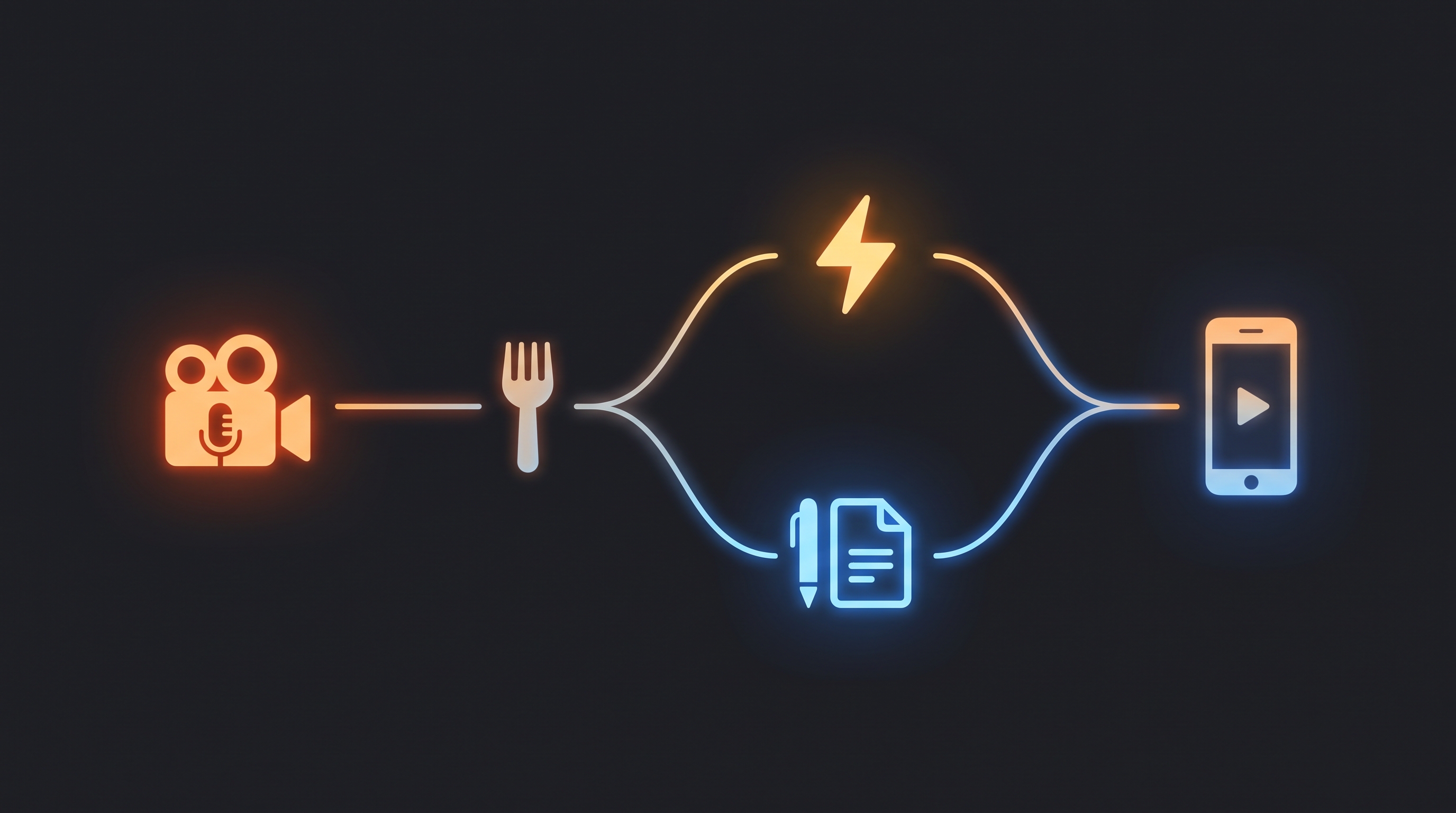
The pattern that emerges from nearly every independent creator who has genuinely tested both tools side by side in 2026 is the same one I landed on: many creators end up using both, in sequence, rather than picking one. Opus Clip (or a comparable clipper) to find and rough-cut the viral moment fast, then Descript to polish, fix, and finish it before it goes out. One tool automates discovery. The other automates refinement. Neither replaces the other's specific job.
Round 3 winner: Opus Clip for immediate, no-touch caption styling. Descript for genuine post-selection editing and polish. Neither wins the whole round — they're doing different jobs in the same pipeline.
The Verdict, By What You're Actually Trying To Fix
Choose Opus Clip if:
Your bottleneck is volume — you have hours of long-form content sitting unrepurposed and need clips fast, not perfect
You're comfortable posting clips close to as-is, with minimal additional editing
Your monthly processing volume stays comfortably under the minute ceiling on your plan tier
You want animated, viral-style captions with zero manual styling effort
Choose Descript if:
What was actually said in your content matters as much as how it looks — podcasters, interviewers, educators
You need to edit a full episode, not just extract short clips from one
Filler-word removal, eye-contact correction, and audio cleanup are part of your regular workflow
You'd rather learn one deeper tool that replaces several separate ones than add another single-purpose subscription
Use both if:
You're producing regular long-form content and turning it into a volume of short-form posts every week — this is genuinely the most common setup among high-output 2026 creators, using Opus Clip (or a similar clipper) for fast discovery and Descript for the finishing pass before anything ships
For a deeper breakdown of Descript's full feature set — Underlord's 2026 upgrade, Overdub voice cloning, Studio Sound, and the platform's complete pricing structure — our full Descript review covers the tool independently of this specific comparison.
According to a 2026 market analysis of the short-form video repurposing category (https://www.emarketer.com/topics/topic/short-form-video), the short-form video advertising and creator economy market has continued rapid growth through 2026, driven by TikTok, Instagram Reels, YouTube Shorts, and LinkedIn video — a scale of demand that explains why both a dedicated clipping tool and a full editing suite with clipping features have found large, sustainable audiences rather than one displacing the other.
What I'd Actually Do
If I were starting a podcast or long-form YouTube channel from zero in 2026 and needed to decide what to pay for first, I'd start with Descript. The core job of actually producing a clean, listenable, watchable long-form episode has to get done regardless of what happens to it afterward, and Descript's transcript-editing workflow is the single biggest time-saver in that specific job. I would not buy Opus Clip yet.
Once I had a backlog of published long-form episodes and the specific new problem of "I don't have time to manually find and cut clips from all of this," that's the point where Opus Clip earns its subscription — not before. Buying it first, before you have a repurposing bottleneck to solve, is buying a solution to a problem you don't have yet.
The mistake to avoid either way is treating this as a single either-or purchase decision made once and never revisited. Your actual bottleneck changes as your content volume grows, and the right tool for a solo creator publishing one episode a month is genuinely not the right tool for a media operation repurposing a four-hour weekly show into forty pieces of short-form content. Match the subscription to the specific bottleneck you have right now, not the one you might have eventually.
Frequently Asked Questions
Is Opus Clip or Descript better for finding viral clips? Opus Clip, for pure automated clip detection at volume — its AI scans long-form content and scores moments by virality potential, with clips scoring 85-plus proving genuinely strong roughly 60 to 70% of the time in independent 2026 testing. Descript has no equivalent automatic scoring system; its strength is manual, transcript-based editing where you select moments through your own comprehension of the content.
Can Descript replace Opus Clip? Partially. Descript can manually produce short clips from long-form content, and its transcript-based editing makes that process faster than a traditional timeline editor. But it lacks Opus Clip's automated virality scoring and pre-styled animated captions, so it won't replace the specific speed of Opus Clip's automated repurposing workflow for high-volume clipping.
Can Opus Clip replace Descript? No. Opus Clip is built specifically for extracting and lightly finishing short clips from existing long-form video. It does not offer the full editing capability, transcript-based long-form editing, filler-word removal, eye-contact correction, or audio restoration tools that make Descript a complete production suite.
How much does Opus Clip cost compared to Descript? Opus Clip's entry paid tier runs roughly $15 to $19/month (annual billing), with a free tier offering 60 to 90 minutes of monthly processing. Descript's entry paid tiers run from about $16/month (Hobbyist) to $24-$33/month (Creator/Pro). Real-world cost depends heavily on usage volume — Opus Clip's minute allowances burn faster than expected for high-volume podcast content, and Descript's higher tier is only worth it if you need its full editing feature set, not just clipping.
Do most creators use Opus Clip and Descript together? Yes, this is a common workflow among high-output 2026 creators: Descript (or a similar full editor) to produce and polish the long-form episode, then a dedicated clipper like Opus Clip to rapidly repurpose that episode into multiple short-form posts. The two tools solve different, complementary problems rather than competing for the identical job.
Which tool has better captions for short-form video? Opus Clip's captions look more "viral-ready" out of the box — animated, color-coded, with keyword highlights and emoji placement matching current TikTok and Reels trends, at roughly 97% English accuracy. Descript's captions are accurate and flexible, particularly for long-form use across 25 languages, but require more manual styling to achieve the same short-form visual style.
Founder, Axionova · AI Tools Strategist
Ashir writes independent, hands-on reviews of AI tools and shares strategies for creators, marketers, and entrepreneurs. Every review is grounded in real usage — no paid placements, no fluff. Read our editorial standards.
AI Insights Weekly
One curated email a week: sharp AI insights, tool reviews, and strategies.
Have thoughts on this?
Contact us or share this article on social media — we'd love to hear what resonated with you.