8 Midjourney Alternatives You Can Actually Use for Free
Midjourney has no free tier. Eight image generators with real free access, compared on the same prompt set — plus commercial-use rights for each.
Midjourney makes some of the best-looking AI images around, and it will not let you try it for free. There is no permanent free tier, and the free trial was shut off back in March 2023. The cheapest way in is the Basic plan at about $10/month ($8/month billed annually), which buys roughly 3.3 fast GPU hours, or around 200 images a month. If you're searching for a way to use it without paying, be wary of "free Midjourney" sites and shared accounts. They come with account-security and usage-rights risks, and they aren't a legitimate route.
The good news is that the gap has closed. Several generators now offer real free access, and a few are good enough that you may not miss Midjourney for everyday work. The part most lists skip is the one that matters if you plan to publish or sell what you make: what the free tier allows commercially, and whether your images are public. That's the lens for this list. If you want to see what you'd be giving up, read our full Midjourney V8.2 review first.
How We Compared Them
All figures below come from each provider's published terms and from 2026 reviews, not from a hands-on test of our own. Free limits and licensing change often, and in two cases (Microsoft and Ideogram) sources we checked disagree, which we flag. For each tool we cover what the free tier gives you, whether commercial use is allowed, and the catch.
The 8 Alternatives
1. Ideogram — Best Free Option for Text Inside Images
Free access: A small credit allowance that resets on a schedule. Reviews disagree on the cadence (one reports 10 slow credits a week, another 10 a day), so check the current figure on Ideogram. Each credit generates several variations. Commercial use on free: Reported as permitted, with the main restriction that outputs can't be used to train competing image models. What it gets right: Readable text in images, which is where most generators still stumble. Good for posters, thumbnails and social graphics. The catch: Free images are public by default, queue times can run long at peak, and reference-image uploads aren't included. Best for: Creators who need legible words in their visuals.
2. Leonardo AI — Best Daily Volume
Free access: 150 tokens a day that refresh every 24 hours with no rollover, which works out to roughly 25-35 standard images. Commercial use on free: Leonardo's own policy says free-plan images can be used commercially, but Leonardo owns the assets and free generations are public. You only get ownership and private generation on a paid plan. See Leonardo's commercial-use explainer, and confirm the current terms, since the policy we found dates to late 2025. What it gets right: Multiple models, upscaling and control tools in one place. The catch: Public-by-default is a real issue for client or unreleased work. Best for: High-volume experimenting and concept work.
3. Google Gemini (Nano Banana) — Best Current-Generation Quality for Free
Free access: Roughly 20 images a day in the Gemini app at up to about 1K resolution, with only a couple of images a day on the stronger Pro model. Commercial use on free: Not clearly specified in the sources we checked, so verify Google's terms before using outputs commercially. What it gets right: Strong prompt following and multilingual text rendering with a simple daily allowance. The catch: A Google account is required and outputs carry an invisible SynthID watermark. Best for: Quick, high-quality images without managing credits.
4. ChatGPT Images — Best for Conversational Edits
Free access: A small number of images per rolling 24-hour window (reported at around 2-3; OpenAI hasn't published an exact figure). Commercial use on free: Not specified in the sources we checked. Verify OpenAI's current terms. What it gets right: You describe changes in plain language and refine the same image in one thread. The catch: The cap is tight, so it suits a few polished images, not batches. Best for: Iterating on a single image quickly.
5. Microsoft Designer / Bing Image Creator — Best for Unlimited-Feeling Free Use
Free access: About 15 fast generations a day, after which generation continues at slower speeds. Commercial use on free: Sources conflict. One review says free output is personal and non-commercial; another says it's allowed with restrictions. Treat it as non-commercial unless you've confirmed otherwise in Microsoft's terms. What it gets right: Easy access with a personal Microsoft account and no hard daily wall. The catch: A visible watermark on some outputs, a personal account requirement, and the underlying model is being updated. Best for: Personal projects, mockups and idea exploration.
6. Adobe Firefly — Best for Commercial Confidence
Free access: A small set of generative credits that expire after a month and don't roll over. Commercial use on free: Free users can use outputs commercially, but Adobe's IP indemnification applies only to paid subscribers. Its first model was trained on licensed Adobe Stock and public-domain content, which makes its provenance easier to explain to clients. What it gets right: A cleaner story on training data than most rivals. The catch: It's primarily a paid product, and free credits run out fast. Best for: Occasional commercial use where provenance matters. Start at Adobe Firefly.
7. Stable Diffusion 3.5 (Run Locally) — Best for Unlimited, Private Generation
Free access: No caps, no watermark and no internet needed once set up on your own machine. Commercial use: The Stability AI Community License allows free commercial use for individuals and organizations under $1 million in annual revenue. Larger organizations need a separate license. Read the license terms. What it gets right: Full control, total privacy and zero recurring cost. The catch: You need a capable GPU and some setup patience. Medium needs around 10GB of VRAM. Best for: Technical creators who'd rather own their setup than rent it.
8. FLUX.1 Schnell — Best Open-Weight Model for Commercial Use
Free access: Free to run locally, or through browser platforms that host it with their own free limits. Commercial use: FLUX.1 Schnell is Apache 2.0 licensed, which permits commercial use. Other FLUX variants (like Dev) carry non-commercial licenses, so check which one a platform actually runs. See the FLUX.1 Schnell model page. What it gets right: Strong photorealism and hands, with a permissive license on the Schnell variant. The catch: Local use depends on your hardware, and licensing differs by variant. Best for: Creators who want an open model with clear commercial terms.
Free Tier and Commercial-Use Summary
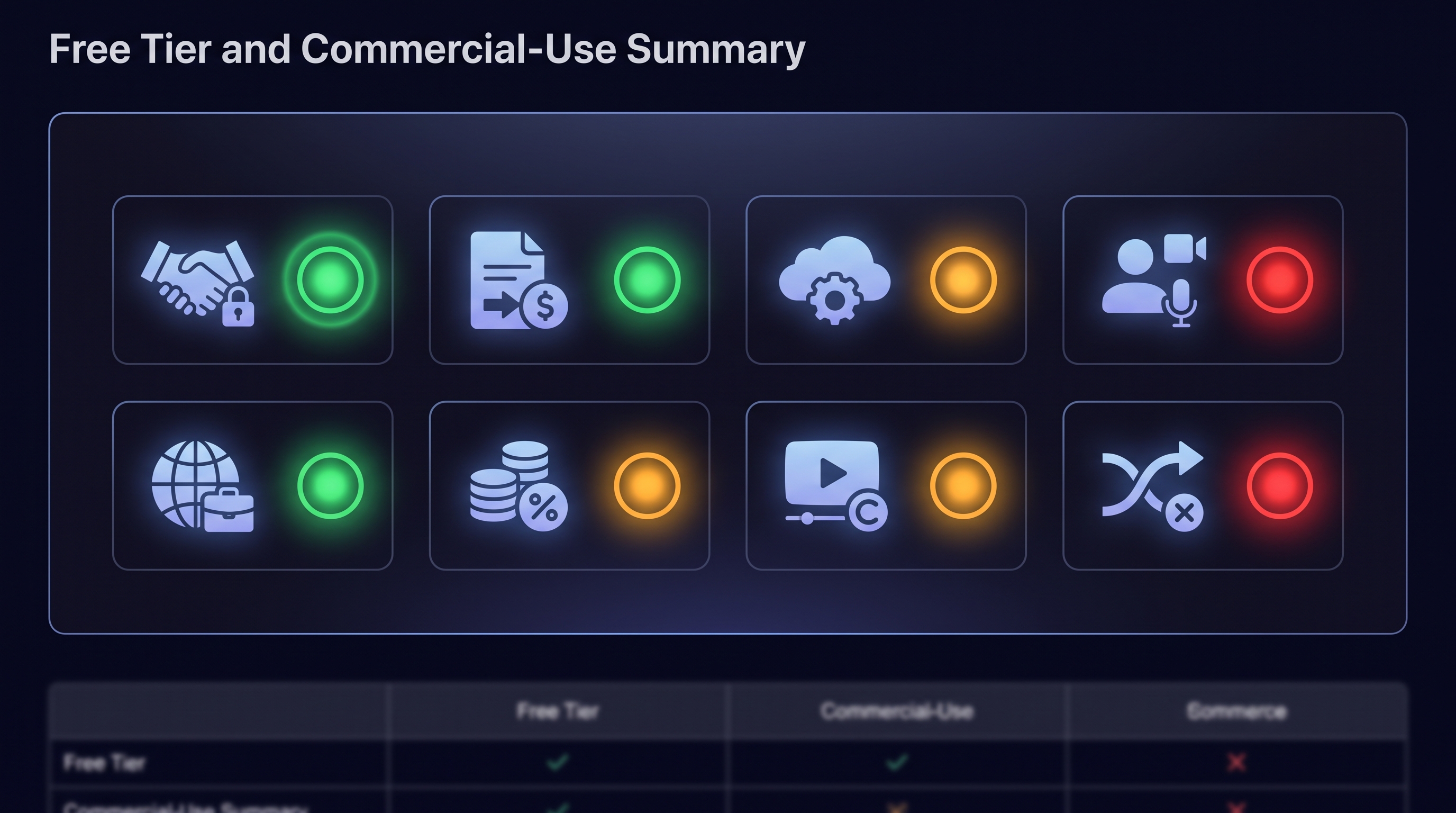
ToolFree limit (reported)Commercial use on free?Watch out forIdeogramSmall credit pool, resetsYes (no training rival models)Public by default, queuesLeonardo AI~150 tokens/dayYes, but Leonardo owns assetsFree images are publicGemini (Nano Banana)~20 images/dayVerify Google's termsSynthID watermarkChatGPT Images~2-3 per 24 hoursVerify OpenAI's termsVery tight capMicrosoft Designer / Bing~15 fast/daySources conflictWatermark, personal useAdobe FireflySmall monthly creditsYes, no indemnity on freeCredits expireStable Diffusion 3.5Unlimited (your GPU)Yes under $1M revenueHardware and setupFLUX.1 SchnellUnlimited (your GPU)Yes (Apache 2.0)Other variants differ
A Note on "Commercial Use" and Copyright
A tool allowing commercial use is not the same as you owning a copyright. The U.S. Copyright Office has said that purely AI-generated material generally isn't protected by copyright without sufficient human authorship, and it publishes its guidance on the Copyright Office AI page. In practice, that means you can usually sell or publish the images a tool permits, but you may not be able to stop others from reusing them. If your client work depends on exclusivity, speak to a lawyer and keep records of your human edits.
Which One Should You Pick?
Text in images (posters, thumbnails): Ideogram.
Most images per day: Leonardo AI, accepting public-by-default.
Best quality with the least fuss: Gemini.
Commercial work where provenance matters: Adobe Firefly, or local FLUX.1 Schnell.
Unlimited and private: Stable Diffusion or FLUX locally, if you have the GPU.
Everything else: Keep Midjourney's Basic plan in mind. At about $8-10/month it's often cheaper than a paid stack of alternatives if image quality is central to your work.
Frequently Asked Questions
Does Midjourney have a free plan or trial in 2026? No. There's no permanent free tier and no free trial since March 2023. Basic starts at about $10/month ($8 billed annually).
What's the best free Midjourney alternative overall? For most people, Gemini or Ideogram, depending on whether you want the simplest experience or the best text rendering.
Can I use free AI-generated images commercially? Often, but it varies by tool and changes over time. Ideogram, Adobe Firefly and FLUX.1 Schnell are the clearest in our research. Microsoft's and some Google and OpenAI terms need checking, so read each provider's current terms first.
Are my images private on free plans? Not always. Ideogram and Leonardo make free generations public by default. Local Stable Diffusion and FLUX are fully private.
Is it safe to use sites that claim to offer free Midjourney? We'd avoid them. Shared accounts and unofficial clients carry account, security and usage-rights risks.
The Bottom Line
You don't need a subscription to make great AI images in 2026, but you do need to read the fine print on rights and privacy, because that's where free tiers differ most. Start with Gemini or Ideogram for everyday use, move to Firefly or a local FLUX setup when commercial clarity matters, and treat Midjourney as the upgrade if image quality is what you sell. Read our Midjourney V8.2 review to decide whether the upgrade is worth it.
Founder & Editor, Axionova
Ashir writes independent, hands-on reviews of AI tools and shares strategies for creators, marketers, and entrepreneurs. Every review is grounded in real usage — no paid placements, no fluff. Read our editorial standards.
AI Insights Weekly
One curated email a week: sharp AI insights, tool reviews, and strategies.
Have thoughts on this?
Contact us or share this article on social media — we'd love to hear what resonated with you.