How to Use Make.com to Automate Your Business (Beginner Guide)
A no-fluff beginner's guide to Make.com — how it works, what to build first, and three real automations you can copy today.
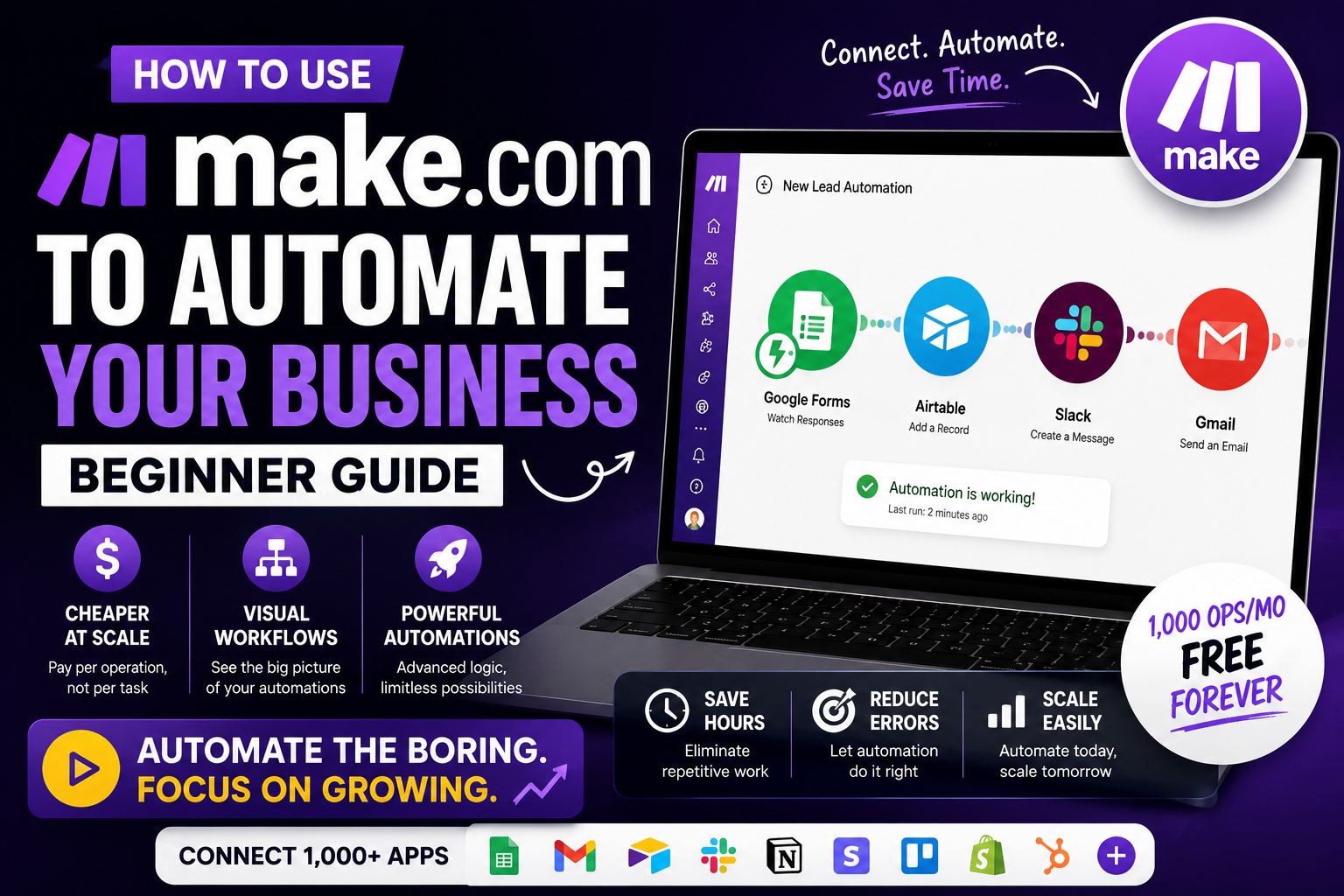
Make.com (formerly Integromat) is the visual automation tool that connects your apps and does the boring work for you. If Zapier felt too limited or too expensive, Make is what you want.
What is Make.com?
Make lets you build visual workflows — called scenarios — that trigger when something happens (a form submission, a new email, a Stripe payment) and then take a chain of actions across your other tools.
Why Make instead of Zapier?
- Cheaper at scale — pay per operation, not per task
- Visual canvas — actually see the flow of data
- More powerful logic — iterators, routers, aggregators
Core concepts (5-minute crash course)
- Scenario — one automation
- Module — one step (e.g., "Send Slack message")
- Trigger — the first module; starts the scenario
- Operation — one execution of one module; this is what you're billed on
Step-by-step: your first automation
- Sign up at make.com — free plan gets you 1,000 ops/mo.
- Click Create a new scenario.
- Pick a trigger app (e.g., Google Forms → Watch responses).
- Connect your account, choose the form.
- Add a second module (e.g., Gmail → Send email).
- Map form fields into the email.
- Turn the scenario on. Done.
3 real automations to steal
1. New lead → CRM + Slack notification
Typeform submits → add row to Airtable → post to #sales Slack channel. Saves 10 mins per lead.
2. New blog post → auto-post everywhere
RSS feed → generate summary with OpenAI → post to LinkedIn, X, and email newsletter. One post, five channels.
3. Stripe payment → onboard customer
Stripe checkout → create Notion doc → send welcome email → invite to Slack. Full onboarding, zero human touch.
Pricing
- Free: 1,000 ops/mo — perfect to learn
- Core: $10.59/mo — for real usage
- Pro / Teams: more ops and advanced features
Common beginner mistakes
- Adding too many modules at once — build small, test often
- Ignoring error handlers — add them to every scenario
- Not using routers — one scenario can branch instead of five separate ones
FAQ
Is Make.com hard to learn?
The first hour is confusing. After that it clicks and you'll never want to go back.
Can Make replace a developer?
For workflow glue — yes. For custom apps — no.
Final take
Every hour spent learning Make pays back tenfold in saved manual work. Build one automation this week. It'll change how you think about running a business.
Founder & Editor, Axionova
Ashir writes independent, hands-on reviews of AI tools and shares strategies for creators, marketers, and entrepreneurs. Every review is grounded in real usage — no paid placements, no fluff. Read our editorial standards.
AI Insights Weekly
One curated email a week: sharp AI insights, tool reviews, and strategies.
Have thoughts on this?
Contact us or share this article on social media — we'd love to hear what resonated with you.