Resizer Lab – AI-Powered Image Resizing & Optimization Tool
A modern web application for resizing, optimizing, and preparing images for multiple platforms with a fast, responsive, and user-friendly interface.
Overview
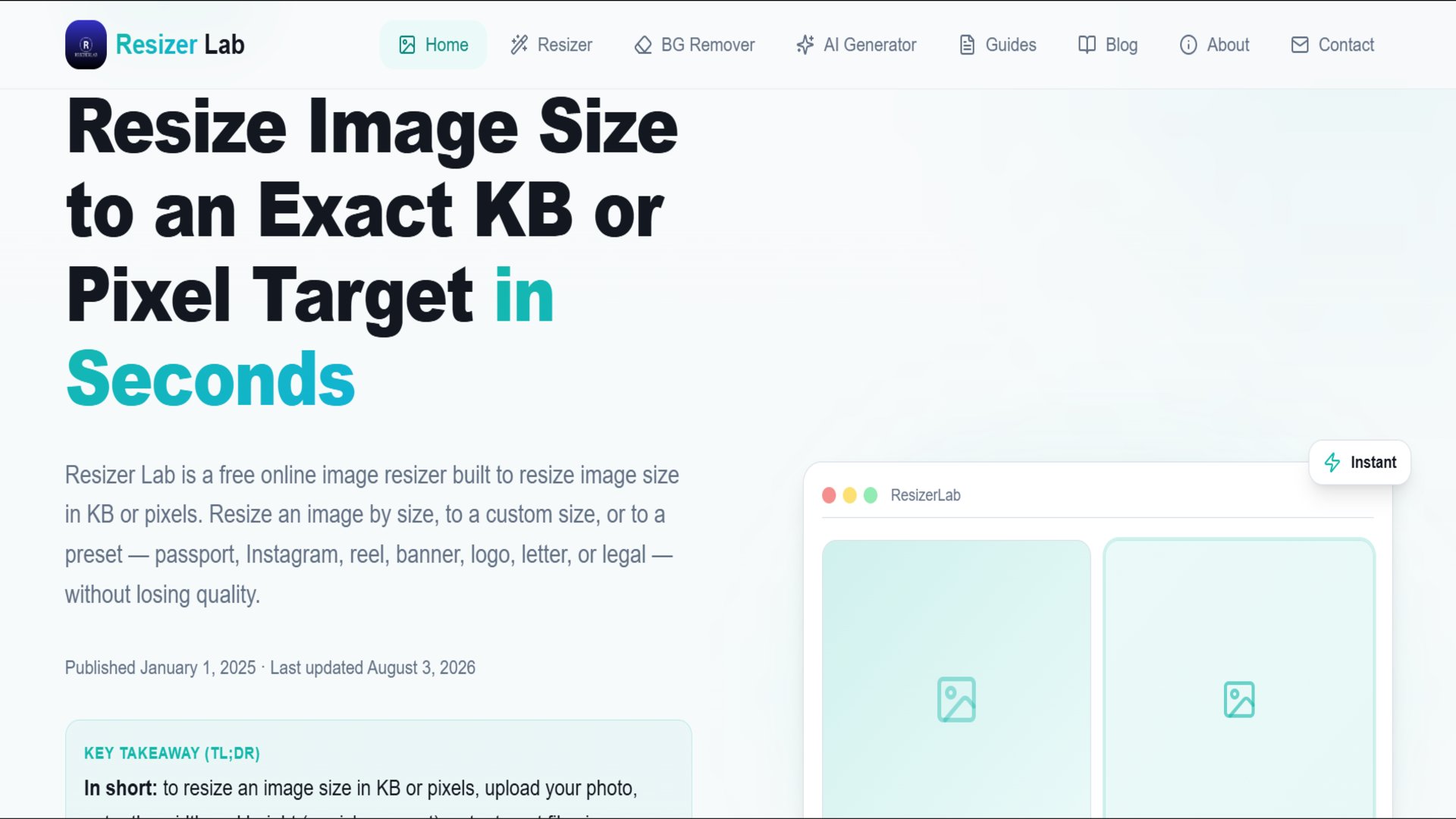
Resizer Lab is a modern image processing web application designed to simplify image resizing and optimization for creators, businesses, marketers, and designers. The platform enables users to quickly prepare images for websites, social media, e-commerce stores, and digital marketing campaigns without compromising image quality. Built with a clean and intuitive user interface, the application delivers a smooth user experience across desktop, tablet, and mobile devices. It focuses on performance, usability, and accessibility while providing a streamlined workflow for image management. The project demonstrates modern frontend development practices, responsive UI design, reusable component architecture, and performance optimization. It showcases the ability to build practical web applications that solve real-world problems while maintaining excellent speed and user experience.
Key features
- Modern User Interface
- Drag & Drop Image Upload
- Image Preview
- Image Resizing
- Image Optimization
- Fast Processing
- Responsive Design
- Mobile Friendly
- High Performance
- Clean User Experience
- Download Optimized Images
- Reusable Components
- Cross-Browser Compatibility
- Performance Optimized
- SEO Friendly Structure
- Minimal Modern Design
- Accessible Interface
- Scalable Architecture
- Smooth Animations
- Fast Loading
Tech stack
Challenges & solutions
Challenge 1 Creating an intuitive image editing workflow for users with different experience levels. Solution Designed a clean and minimal interface with straightforward upload, preview, resize, and download functionality. Challenge 2 Maintaining image quality while optimizing file size. Solution Implemented efficient image processing techniques that balance compression and visual quality. Challenge 3 Ensuring responsive performance across all devices. Solution Used a mobile-first responsive design approach with optimized layouts and adaptive UI components. Challenge 4 Building a scalable frontend architecture. Solution Developed reusable React components and organized the project into a modular structure for easier maintenance and future feature expansion. Challenge 5 Providing a smooth and fast user experience. Solution Optimized rendering performance, minimized unnecessary re-renders, and focused on lightweight frontend implementation for faster interactions.